Tables
This document provides an overview of the tables components available in your project. Each component has a small description, usage example, tips, and a screenshot.
Table1 Component
Description
The Table1 component displays a projects table with various columns such as project name, assignee, budget, team, progress, and due date. It includes avatars for assignees and progress bars for visualizing the project status.
Importing the Component
import Table1 from "@/components/Tables/Table1";
Tips
- Use the
Table1component to keep track of project details and progress in a visually appealing manner. - Ensure the avatars and progress bars are dynamically updated based on the project data.
Screenshot
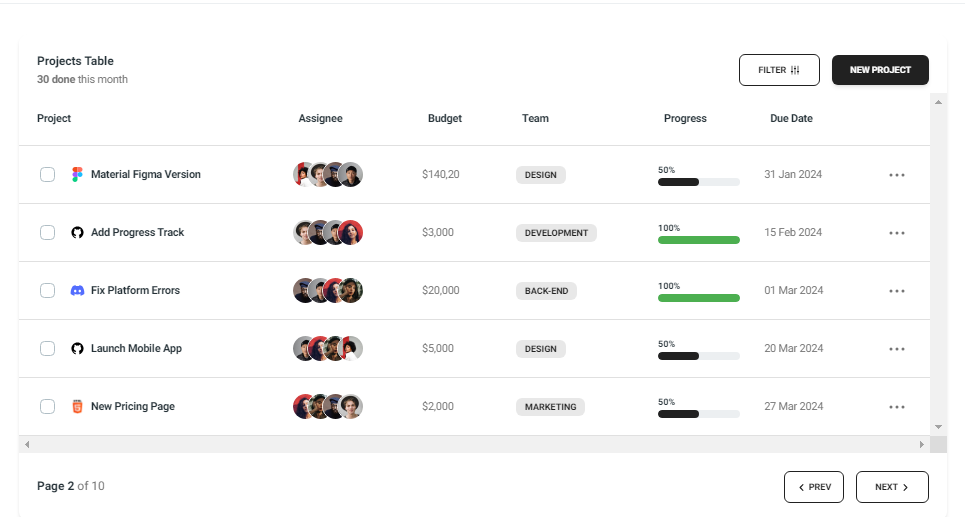
Table2 Component
Description
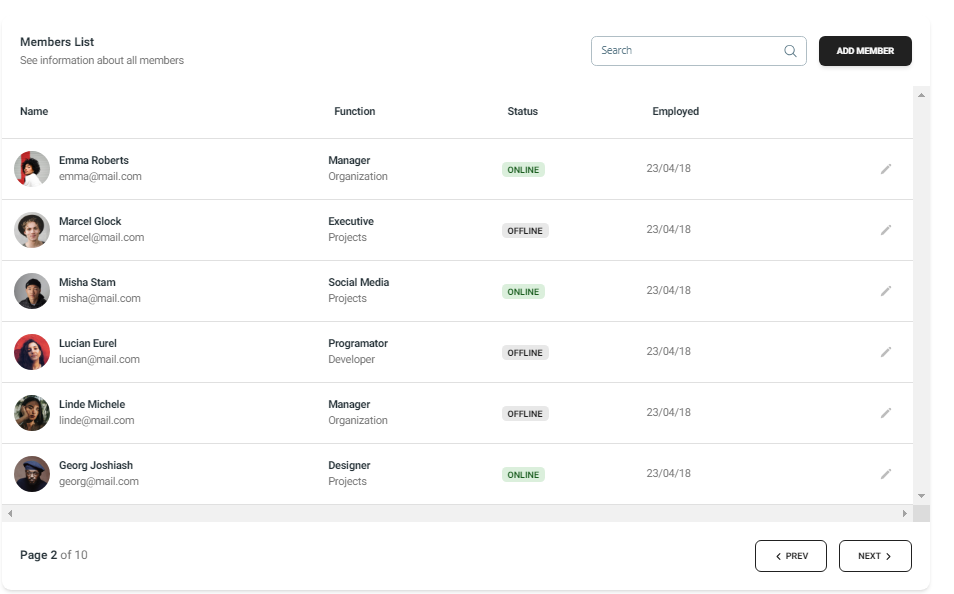
The Table2 component presents a members list with columns for name, function, status, and employment date. It includes a search bar for filtering members and a button to add new members.
Importing the Component
import Table2 from "@/components/Tables/Table2";
Tips
- Use the
Table2component to manage and display information about team members effectively. - Ensure the search functionality is implemented to allow users to find specific members quickly.
Screenshot